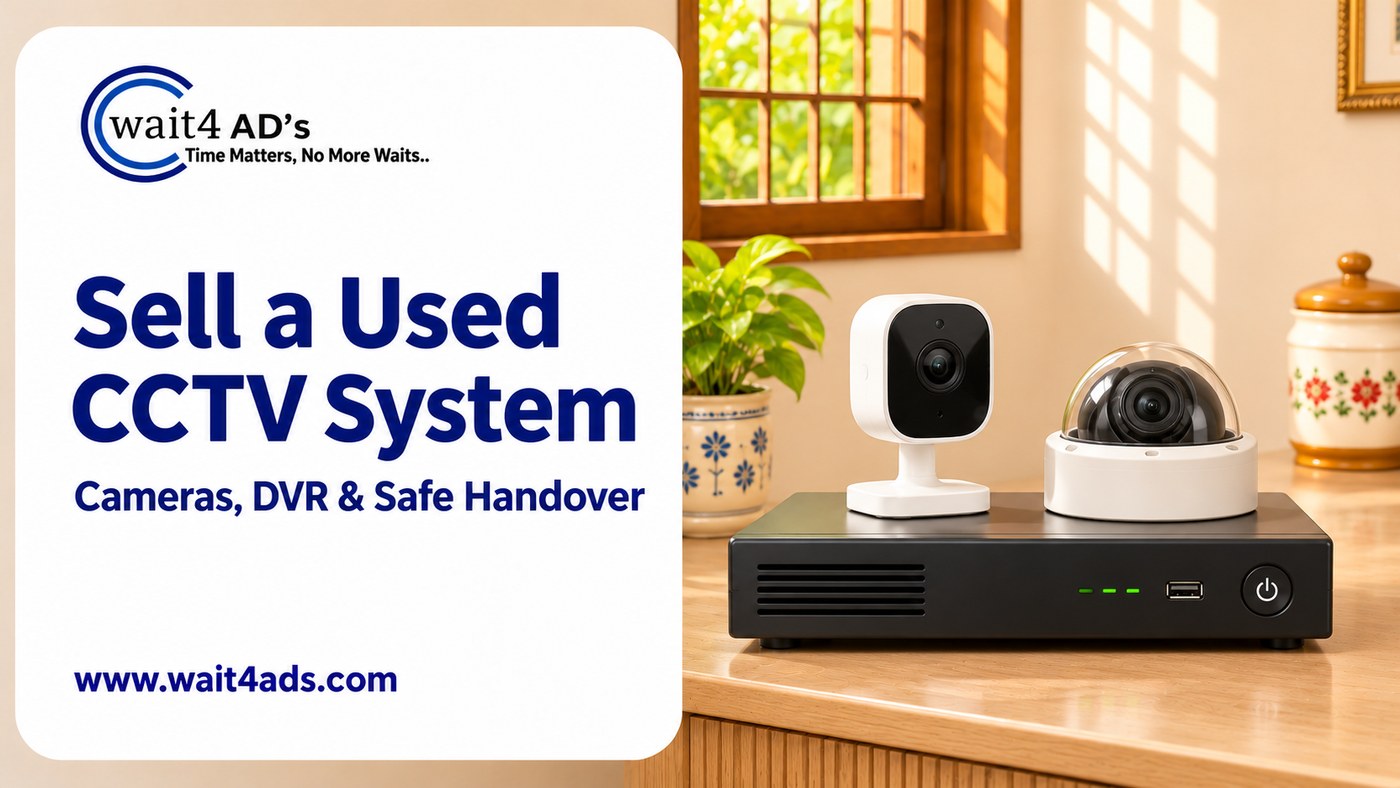
A CCTV listing is easier to assess when buyers can see exactly what is included: the cameras, recorder, storage drive, power supplies, mounts and cables. State the models you can verify, describe the working condition honestly, and plan a privacy-conscious reset before handover. The steps below can help buyers understand the system and decide what they need to check.
1. List every part in the system
Write down the brand and model of each camera and the recorder. Mention whether the recorder is a DVR or NVR only if its label or manual confirms that. Say how many cameras are included, whether an internal drive is present, and which power adapters, mounts, connectors, cables, mouse or remote come with it. Note indoor or outdoor ratings from the product label rather than estimating them.
2. Describe the condition and checks
Point out cracked housings, moisture marks, damaged cables, loose mounts, missing covers, worn buttons or any camera that does not appear in the system. If you recently checked basic operation, say what you observed and when. If you have not tested it, label it untested. Avoid unsupported claims about image resolution, night vision distance, weather resistance or recording quality; use the manufacturer's label or a recent service report for specifications.
3. Explain the recording setup
Tell buyers whether the system has a recorder and storage drive, and whether you know the connector or network type from the manual. Different camera and recorder models may not work together, even if the plugs look similar. List model numbers clearly and invite buyers to check compatibility with their installer before purchase. Do not promise compatibility with a particular third-party app or recorder unless you have confirmed it for the exact models.
4. Protect footage and account access
Before selling, remove your account from the manufacturer's app, revoke remote access and follow the manual's reset procedure. Clear or remove the storage drive if it contains private recordings, after saving anything you need to keep. Remove saved Wi-Fi details where the product allows it. Do not post screenshots or sample clips that reveal people, private rooms, addresses, routines or security blind spots. If you are unsure how to reset the system, ask the manufacturer's support or a qualified installer.
5. Take clear photos and set a fair price
Photograph each camera, the recorder, model labels, drive bay, power supplies and accessories on a plain surface. Show cosmetic wear and damaged parts instead of hiding them. Keep serial numbers, network credentials and private location details out of public photos. Compare listings for the same models and account for age, the number of working cameras, included storage, accessories and any installation work a buyer may need.
6. Plan inspection and handover
State whether the system is already removed or still installed. Cameras mounted at height or connected to fixed wiring should be removed by a qualified person; do not climb or disconnect wiring for listing photos. Agree on a safe inspection and collection plan, and include a simple inventory of the parts being handed over. Confirm payment in your own account before handover. Never share an OTP, UPI PIN or password to receive money.
Frequently asked questions
Can I sell cameras without the recorder?
Yes. Say clearly that the cameras are being sold separately, list their model numbers and note what power supplies or mounts are included.
Should I leave recordings on the storage drive?
Remove private footage before handover. If the drive is included, explain its condition without sharing recordings publicly.
What if I cannot confirm the cameras work?
State that they are untested and let the buyer inspect them safely before agreeing to the purchase.
A complete parts list, accurate condition notes and a careful account reset help buyers evaluate a used CCTV system with fewer unanswered questions. You can post a free ad on Wait4Ads with the system details and clear photos.
Powered by Froala Editor