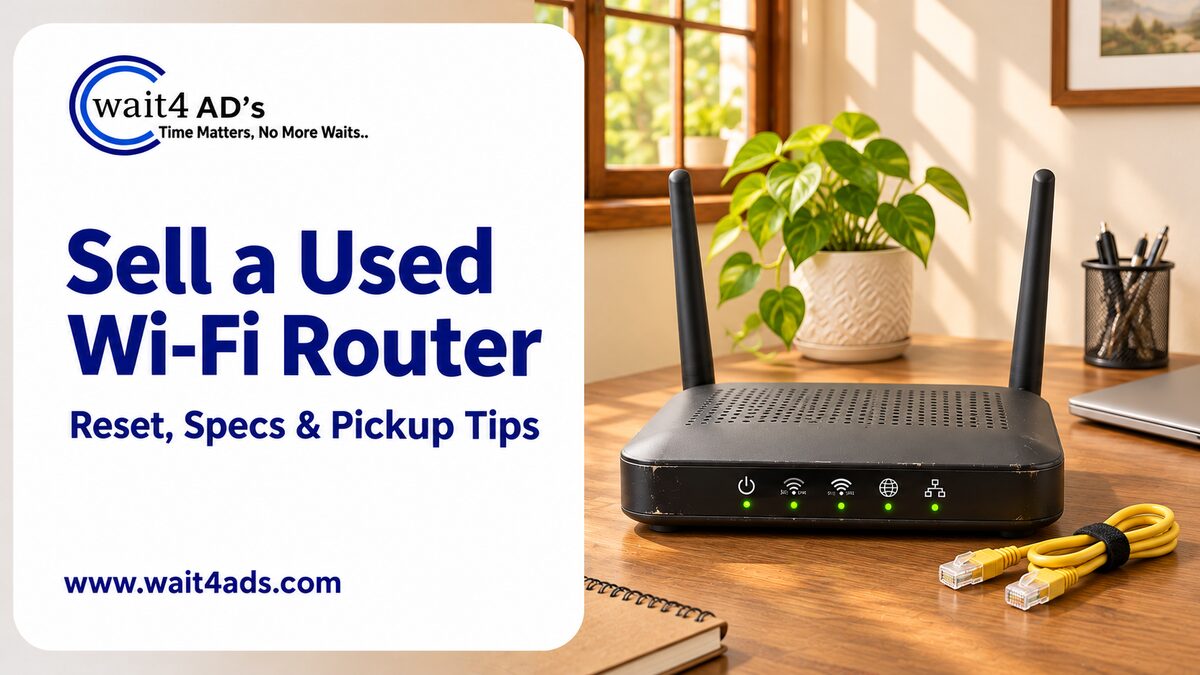
A useful used-router listing tells buyers the exact model, the features you can verify and whether the device has been reset. Include clear photos of the ports and accessories, but keep your network and account details private. If the router came from an internet provider or needs provider-specific setup, say what you know and let the buyer check compatibility before pickup.
1. Identify the router and its features
Copy the brand and model from the product label or manual. Mention supported bands, Wi-Fi generation, mesh features or port speeds only when they are confirmed in the documentation. List the power adapter, Ethernet cable, antennas or original box that are included. If it was supplied by an internet provider, state that fact and whether you know of any provider-specific restrictions; do not claim it will work with every connection.
2. Remove your personal settings before sale
Use the manufacturer’s instructions for your exact model to restore factory settings. This can remove your Wi-Fi name, password and other saved configuration, so make sure you have another way to access your home network before you begin. If the router is tied to an internet-provider account, check the provider’s ownership or return requirements first. Do not give a buyer your broadband account login, router admin password, Wi-Fi password, OTP or recovery codes.
3. Test only what you can verify
After resetting, check that the router powers on and note the indicator lights. If you have a safe way to test it, check a wired port and connect a device using a temporary setup; do not reuse or share your home network credentials. Do not promise internet service, speed or compatibility based on a brief test. If you cannot test a feature or connection, describe it as untested rather than guessing.
4. Check the casing, ports and included parts
Look for cracked plastic, bent ports, missing antennas, loose power connections or heat damage. State whether the adapter is original and include its output details only as printed on the adapter. Mention repairs or intermittent problems. Keep the router unplugged while inspecting its ports, and do not open the casing or attempt electrical repairs for a listing photo.
5. Photograph the router without exposing private details
Take photos of the front, back, ports, antennas, adapter and any wear. Show the model name clearly, but cover or blur the full serial number, MAC address, QR code and any setup password printed on the label before posting publicly. Keep screenshots of your Wi-Fi settings, bills and account pages out of the listing. Use your own photos on a neutral background.
6. Set a realistic price and describe compatibility
Compare the same model or a similar router in your area. Consider its age if known, verified features, condition, accessories, power adapter and whether the buyer can use it with their provider. A new retail price is not a resale estimate. If you do not know whether it is unlocked or compatible with another service, say so and avoid promising that it is.
7. Write the listing and arrange a safe handover
Start with the make and model, then state what you tested, what accessories are included and whether the device has been reset. For example: “Dual-band router, model [model], factory reset using manufacturer instructions, power adapter included, LAN port checked, provider compatibility not verified. Pickup from [area].” Replace brackets with accurate details. Let the buyer inspect the device before handover. Never share an OTP, UPI PIN, password or card details to receive payment, and avoid payment links sent by strangers.
Frequently asked questions
Should I share the Wi-Fi password with a buyer?
No. Remove your personal configuration before sale and do not share your home Wi-Fi or router administrator credentials.
Can I sell a router provided by my internet company?
Check your provider’s ownership, return and transfer terms first. If you are unsure whether the router is yours to sell or whether it is restricted to a service, do not describe it as universally compatible.
What if I cannot confirm the router’s speed or Wi-Fi standard?
Use the exact model number and refer buyers to its manufacturer specifications. Do not guess from the number of antennas or indicator lights.
Ready to list your used router?
Note the model, reset the device according to its instructions and photograph the ports without exposing account or network details. Browse Computer Accessories on Wait4Ads or read the used printer selling guide for another electronics listing example.
Table of Contents
Powered by Froala Editor